

Dark Wallpapers for OLED Screens: What to Look For
Not every dark image suits an OLED panel. Banding, black crush and washed-out shadows separate the good ones from the rest.
Swotboysandy2 min read
Ask AI about this guide
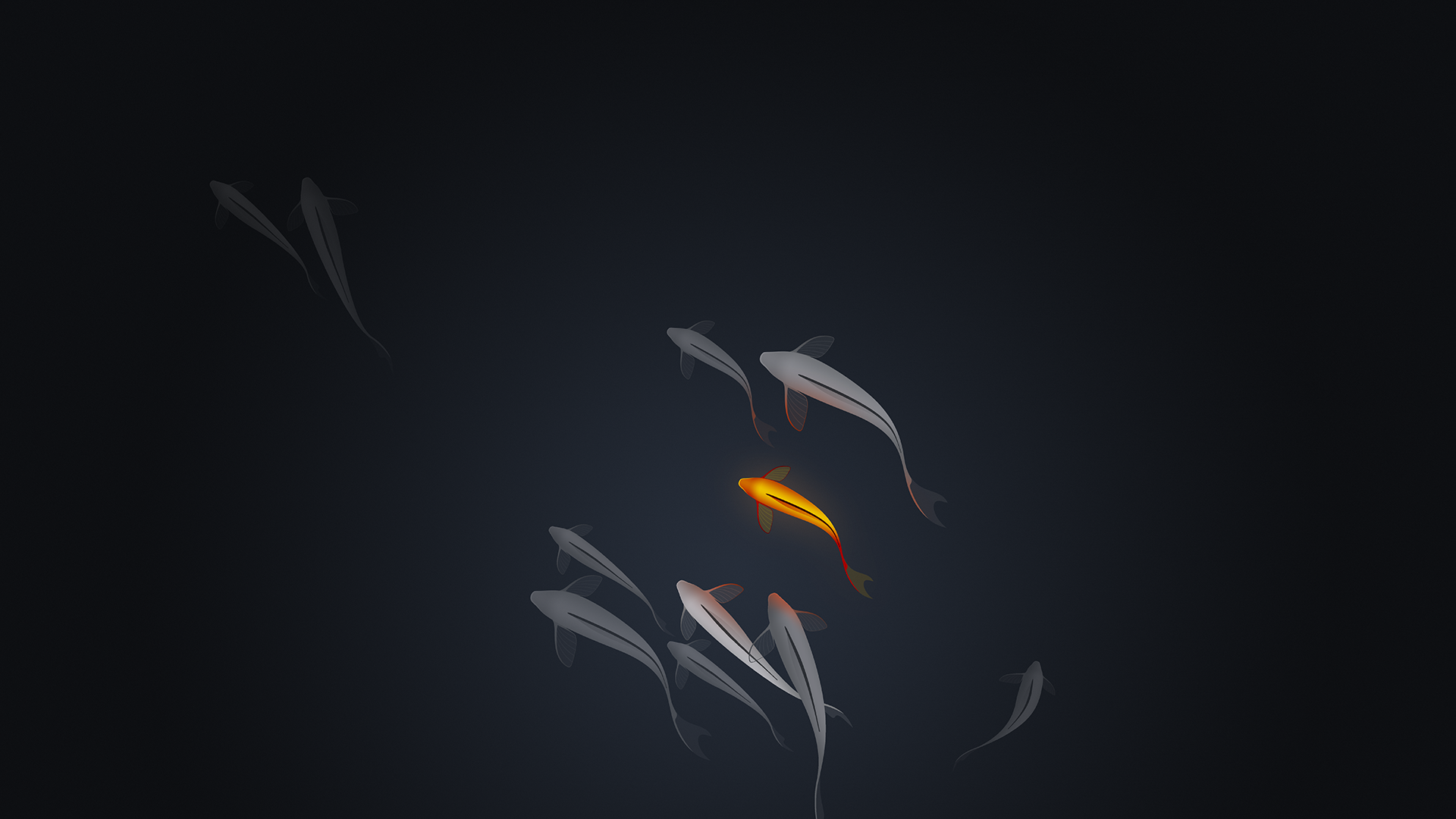
OLED panels show dark images in a way no LCD can match. Black is genuinely black, so a dark wallpaper can appear to extend past the edge of the screen. It is the most striking thing these displays do, and it is also where badly prepared images fall apart fastest.
Banding is the usual failure
Smooth dark gradients are hard to store. Standard 8-bit colour has relatively few steps available in the darkest range, and compression makes it worse by discarding the small differences that keep a gradient smooth. The result is visible steps where there should be a seamless fade.
Banding is far more obvious on OLED than on LCD, because there is no backlight glow to hide it. An image that looked fine on a laptop can show obvious rings on a phone.
Choose images with texture in the dark areas, such as stars or grain. Texture breaks up the steps and hides the problem entirely.
Black crush
The opposite failure. Detail sitting just above black disappears completely and a subtle image becomes a black rectangle. This is partly the panel, partly aggressive contrast settings, and partly images edited on a brighter screen.
If a wallpaper looks like nothing on your phone but fine on a monitor, this is usually why. Look for images that keep clear separation between dark and black rather than pushing everything down.
What to look for
- Genuine pure black regions, not dark grey, if you want the disappearing-bezel effect.
- Texture in the shadows to defeat banding.
- One clear bright element to give the eye somewhere to land. Entirely dark wallpapers look like a broken screen.
- PNG over heavily compressed JPEG where you have the option, because dark gradients are exactly where artefacts show worst.
Check the always-on display
If your phone has an always-on display, a dark wallpaper is what makes it look like a floating clock rather than a dimmed screen. It is worth choosing with that in mind, since for many people it is the state the phone spends most of its day in.


