


Latest guide
Why Your Wallpaper Looks Different at Night
The reason your wallpaper looks different at night is that adaptive brightness and night light filters actively alter the colour temperature and luminance…
Read the guidePracandyWalls guides
The best 4K, AMOLED and minimal wallpapers, and how to set them on Android so they stay sharp, readable and easy on the battery.
The reason your wallpaper looks different at night is that adaptive brightness and night light filters actively alter the colour temperature and luminance…
Read the guide
If your wallpaper looks zoomed in on Android, the issue usually stems from launcher parallax effects, a mismatch between image and screen aspect ratios…

How burn-in actually happens on OLED (static, bright elements shown for very long periods), why a home-screen wallpaper is rarely the cause compared with status bars, navigation bars and Always On Display, and sensible precautions. Calm and factual; no scare claims or invented lifetimes.

Set an image or GIF on your Samsung Always On Display, keep it readable at low brightness, and understand the battery trade-off.

What ad-heavy wallpaper sites cost you (redirect ads, fake download buttons, recompressed files) and how to spot a clean source first.

Perceived brightness, eye comfort in the evening, and matching your display settings.

A folded and unfolded screen are different aspect ratios, and Android crops for both from one image.

Low visual load, icon legibility and how gradients survive compression.

The observable pattern, what changes about screen brightness and ambient light through the year, and how to use it.

Pick 4K wallpapers that suit a OnePlus AMOLED screen: true blacks, clear contrast behind icons, and setting the image without losing sharpness.

Where a wallpaper APK should come from, which permissions a wallpaper app has no business asking for, and how to install one without risk.

Get the clean iPhone wallpaper look on Android: soft gradients, depth and calm colour, set at the right resolution and crop.

How Pixel phones crop a wallpaper and take Material You colours from it, and how to choose a 4K image that stays sharp.

Wallpaper site or app? Sites make you download, check and crop the file yourself; an app shows the full image and sets it in one step.

Setting a 4k wallpaper for samsung devices requires matching the image aspect ratio to your specific display dimensions.

What 4K means on a phone screen, why most downloads are upscaled, and how to tell before you set one.

Yes, wallpapers are copyrighted. What personal use on your own phone allows, why reposting or selling is different, and how to credit artists.

Why abstract wallpapers survive cropping and blur better than photos, how to choose shapes and colour that keep icons readable, and what makes a 4K abstract file look clean on AMOLED and LCD. End with the abstract collection in PracandyWalls.

The quick checks on Android: the pixel dimensions in the file details, what 4K means for a tall phone screen, how an upscaled image gives itself away (soft edges, smeared texture, banding), and why file size alone does not prove resolution.

Why anime art shows banding and artefacts on phones, and what to look for in a file.

Why a striking photo tires quickly and an abstract one does not, in terms of visual load.

Less area, denser icons. What changes when the screen is under 6 inches.

Which claims hold up on OLED, which are nonsense on LCD, and the size of the real effect.

How launcher blur transforms an image, and why detailed wallpapers turn to mush behind it.

What burn-in actually is, why the risk from wallpapers is lower than people think, and where the real risk sits.

What HDR means for a still image, why most 'HDR wallpapers' are ordinary SDR files, and what your screen actually does.

The case for and against auto-rotation, and how often is too often.

An honest look at the claim: what changes, what does not, and what the real effect is on finding apps quickly.

Crop, compression and orientation. Which of your photos will work and which will not.

8-bit versus 10-bit panels, compression, and dithering. How to spot a wallpaper that will band before you set it.

Real file sizes, what the system caches after you set one, and when 4K is genuinely worth it over 1440p.

What a high refresh rate does and does not do for a static image, and where motion actually costs battery.

Choosing a 4k space wallpaper for phone requires balancing source resolution against the aspect ratio of your display.

A minimal wallpaper for phone screens relies on negative space to keep app icons legible.

Choosing a 4k nature wallpaper for phone requires balancing high-resolution detail with the specific aspect ratio of your device.

An OLED wallpaper labelled 4K can look excellent on a phone, but the label alone cannot tell you how sharp the result will be.

Why a dark wallpaper plus dark UI loses all separation, and how to keep depth.

A practical case for splitting them, and which kind of image belongs on each.

Soft colour, film-like photography and calm illustration as phone wallpapers, and how to match one to your icons and theme.

Galaxies, nebulae and planets as phone wallpapers, and why space images suit OLED screens so well.

Landscapes, forests, mountains and oceans in high resolution, chosen so the subject survives a tall phone crop.

Minimal wallpapers that leave room for icons and widgets, and what makes a simple wallpaper look intentional rather than empty.

The best free places to download 4K wallpapers, what each is good for, and how to check an image is really sharp before you set it on your phone.

Dark wallpapers that keep icons and the clock readable, look good at night and suit OLED screens.
A practical checklist for choosing an Android wallpaper app, with full-resolution previews and a direct PracandyWalls download.

What makes a 4K wallpaper look right on an OLED screen: true black, detail in the shadows and a fit that survives your phone's crop.

What the best wallpaper websites have in common: full-resolution previews, clear sources, the right size for your screen and no forced installs, plus the quickest route on Android.

True-black and near-black wallpapers that make an AMOLED screen look its best, what separates a good AMOLED wallpaper from a merely dark one, and how to set one without losing detail.
What an always-on display wallpaper is, whether your phone lets you set one, and how to pick an image that stays readable and easy on the battery.

20:9 and 21:9 screens against 16:9 images. What gets cut, and how to choose images that survive the crop.

What Android samples to build the palette, why one image gives muted tones and another gives vivid ones, and how to steer it.

Different crop behaviour, different blur on the app drawer, different colour extraction. What changes when you switch phones.

Why busy images make labels unreadable, what luminance contrast means in practice, and which image types stay legible.
The parts of a wallpaper your icons, clock and widgets will cover, and how to pick images whose subject survives that.

Wallpaper blurry after you set it? Android re-encodes and crops the image and launchers scale it. Here are the five usual causes and a two-minute fix.
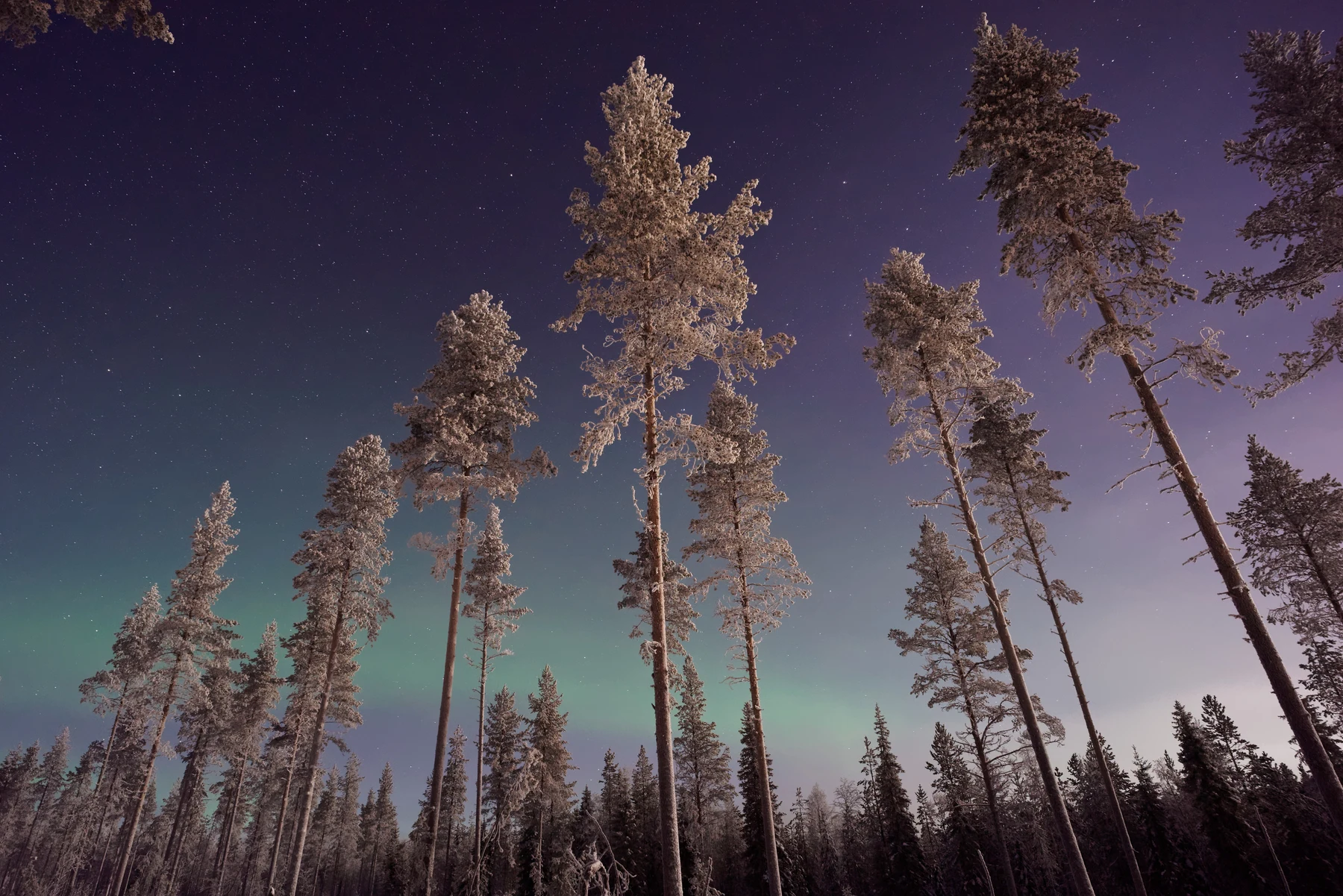
What each format does to gradients and flat colour, why banding appears in JPG skies, and when the file size difference is worth it.

Not every dark image suits an OLED panel. Banding, black crush and washed-out shadows separate the good ones from the rest.

Detailed images that look spectacular on a monitor often look cluttered on a phone. The reason is everything sitting on top of them.

Animated wallpapers do use more power than static ones. The interesting question is how much, and what makes the difference.
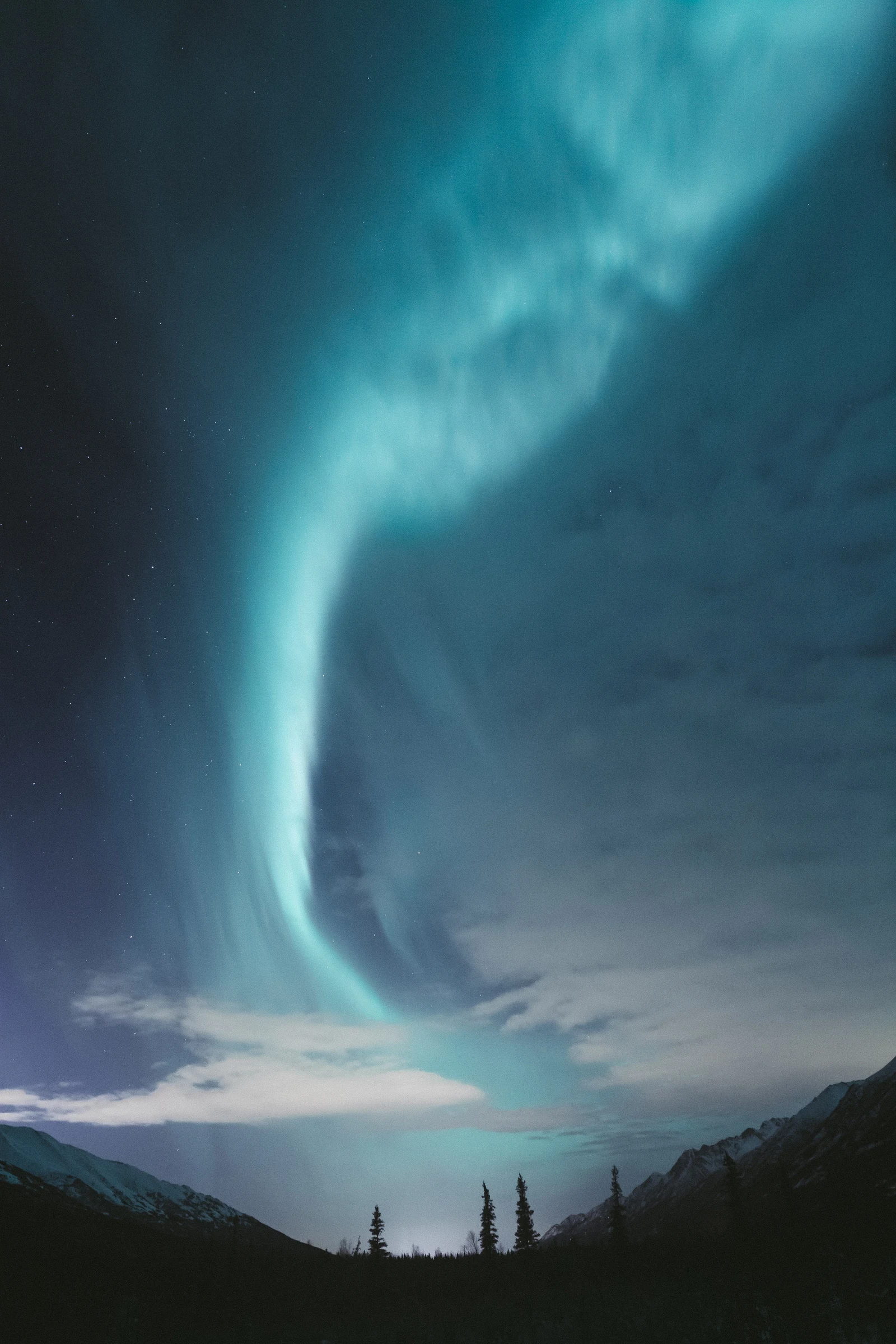
Set a wallpaper on Android without losing quality in three steps: match your screen resolution, use the original file and set it without extra compression.
PracandyWalls for Android
Browse HD and 4K wallpapers, filter by mood and colour, preview them full screen and set your home or lock screen in one tap.