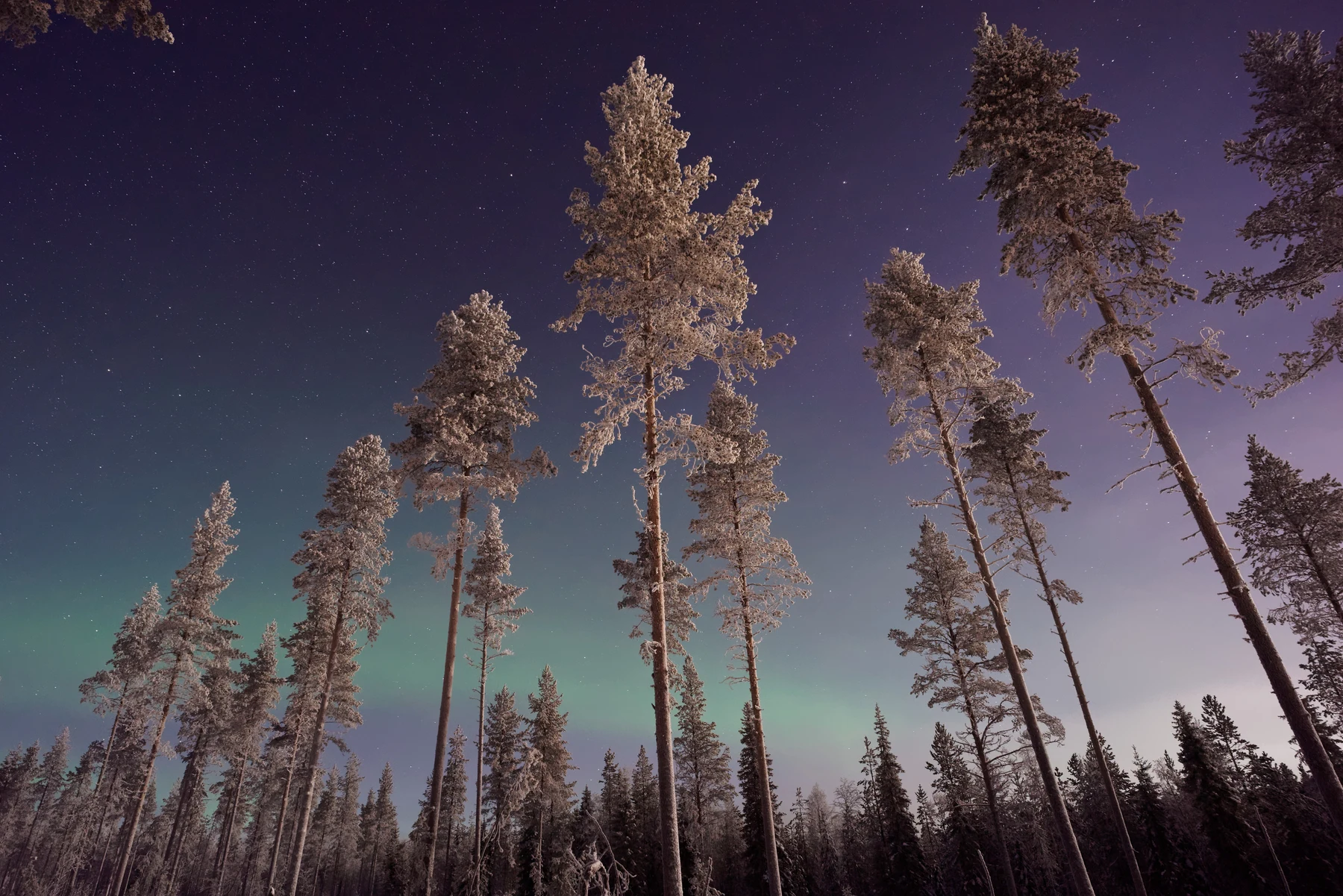
When you scroll through a wallpaper gallery, the difference between file formats is rarely obvious at thumbnail size. The issue only becomes apparent once the image fills your screen. A sky gradient that appears smooth in a preview can reveal distinct, horizontal stripes when set as your home screen background. This artefact, known as banding, is the primary reason why format choice matters for large, flat colour areas.
For most users, the decision comes down to two factors: the complexity of the image and the available storage space. A complex scene with trees, buildings, or people usually hides compression artefacts well. However, minimal designs, solid colour backgrounds, or large areas of sky and water are where the differences become glaring. If you prefer clean, modern aesthetics with large swaths of single-colour, the file format dictates how clean that colour actually looks.
How Banding Affects Gradients
JPG uses lossy compression, which discards data to reduce file size. It does this by approximating colour values. In a smooth gradient, such as a sunset transitioning from deep orange to pale yellow, the algorithm struggles to represent the subtle shifts between pixels. It snaps these values to the nearest available steps, creating visible bands. On a 4K display, where pixels are smaller and denser, these bands are sharper and more noticeable than on a standard HD screen.
PNG, by contrast, is lossless. It stores exact colour values for every pixel. A gradient in a PNG file will transition seamlessly, without any visible steps. This makes it the superior choice for wallpapers featuring large, smooth transitions. The trade-off is file size. A 4K PNG gradient can easily be five to ten times larger than its JPG equivalent. On an Android device with limited internal storage, this accumulation of large files can become a concern, especially if you change your wallpaper frequently.
WebP offers a middle ground. It supports both lossy and lossless compression and is generally more efficient than JPG for the same visual quality. A WebP file can often achieve the smoothness of a PNG while remaining closer in size to a JPG. However, support varies slightly across different Android versions and manufacturers, though it is now standard on most modern devices.
When File Size Matters
The practical limit for most Android users is not the total storage of the phone, but the speed of loading and the memory usage during preview. Large PNG files take longer to render when you select them in a gallery app. If you are browsing a library of hundreds of 4K wallpapers, a 20MB PNG file will load noticeably slower than a 2MB JPG or WebP file.
For daily use, a 4K JPG with a high quality setting (around 90-95%) is often sufficient for complex images. The artefacts are minimal and rarely visible unless you zoom in significantly. However, for flat colour or gradient wallpapers, the savings in size are not worth the visual degradation. The banding will be present every time you glance at your phone. In these cases, the larger file size of a PNG or high-quality WebP is a necessary cost for visual fidelity.
If your device has ample storage, defaulting to PNG for minimalist wallpapers and JPG or WebP for photographic scenes provides the best balance. This approach ensures that your simple, clean backgrounds remain flawless while keeping your photo-heavy wallpapers manageable in size.
Previewing at Full Resolution
The only way to know if a compressed file has visible banding is to view it at full screen resolution. Thumbnail previews in most gallery apps are scaled down, which masks compression artefacts. You need to open the image and let it fill the display to judge the quality of the gradients.
PracandyWalls allows you to preview wallpapers at full resolution before you set them. This means you can see exactly how the gradients render on your specific screen before committing to the download. If a JPG sky shows banding, you will see it immediately in the preview. This eliminates the guesswork and ensures that the final wallpaper matches the quality you expect, regardless of the file format.